





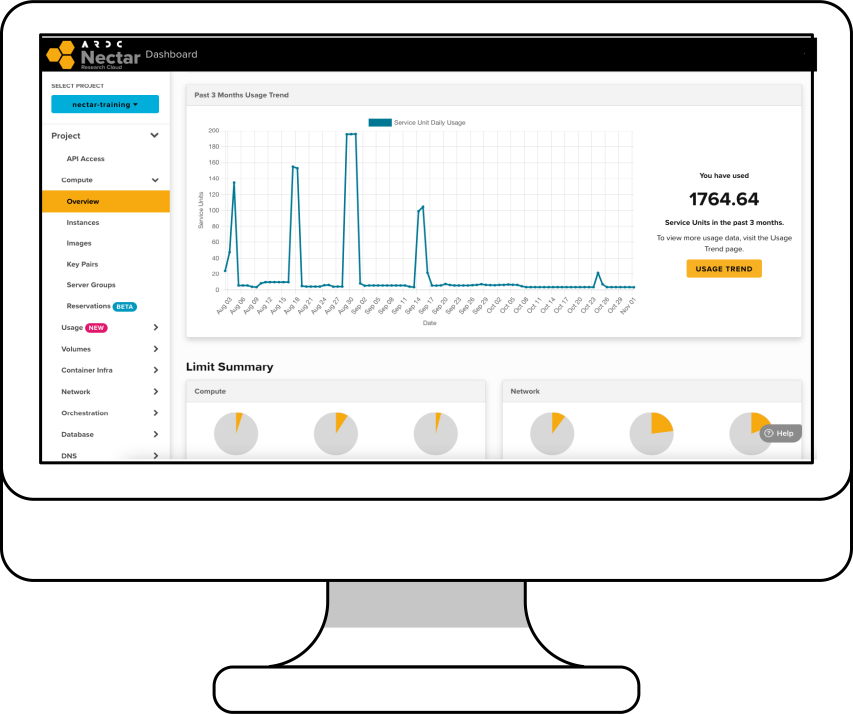
The Dashboard allows you to manage projects, instances, applications and request a new allocation on the ARDC Nectar Research Cloud.
Login to the dashboardTo learn more about Allocation Requests, checkout this tutorial.
Services Powered by the ARDC Nectar Research Cloud
The BinderHub Service
Launch reproducible interactive computing environments from code repositories such as GitHub.
Launch an EnvironmentTo learn more about the BinderHub Service, checkout this article.
The Jupyter Notebook Service
Develop, run and share your analysis with Jupyter Notebooks on the ARDC Nectar Research Cloud.
Create Jupyter NotebooksFor more information about the Jupyter Notebook Service, checkout this article.
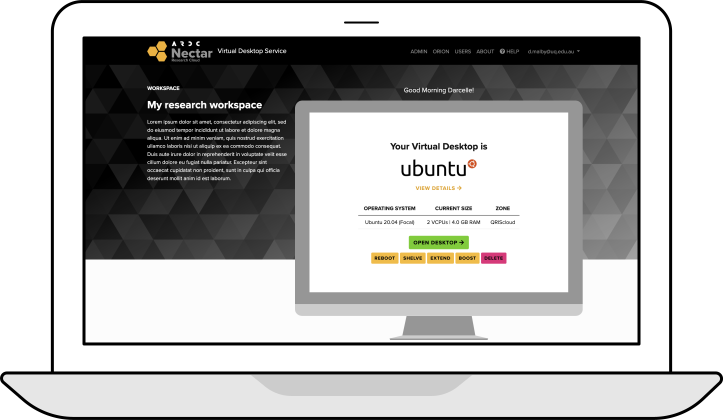
The Virtual Desktop Service
Quickly and easily launch a virtual desktop from anywhere.
Launch a Virtual DesktopTo get started with the Virtual Desktop Service, checkout this tutorial or read the support article.
Popular Support Articles
Support Hours
7am to 6pm AEDT
Monday to Friday
The Nectar Research Cloud Support Team is available to assist you within these hours.
Not sure if you're eligible to use Nectar?
Answer a few questions with the eligibility assessment tool to check, in minutes, whether your research project qualifies for an allocation on the ARDC Nectar Research Cloud.
Check eligibilityReady to get started with Nectar?
Simply sign in to the Nectar Dashboard using your institutional login. New to Nectar? Start with the Cloud Starter Series of tutorials or register for one of our Live Introductory Training sessions.
Start using Nectar